Frequently Asked Questions (FAQ)
Our FAQ section is here to answer your most common questions about HappyDogTheme, covering everything from setup and customization to features and functionality. It’s your go-to resource for making the most of your website and ensuring a smooth setup process. Can’t find the answer you need? Reach out to us—we’re always happy to help!
My homepage doesn't look good after importing a demo. How do I fix that?
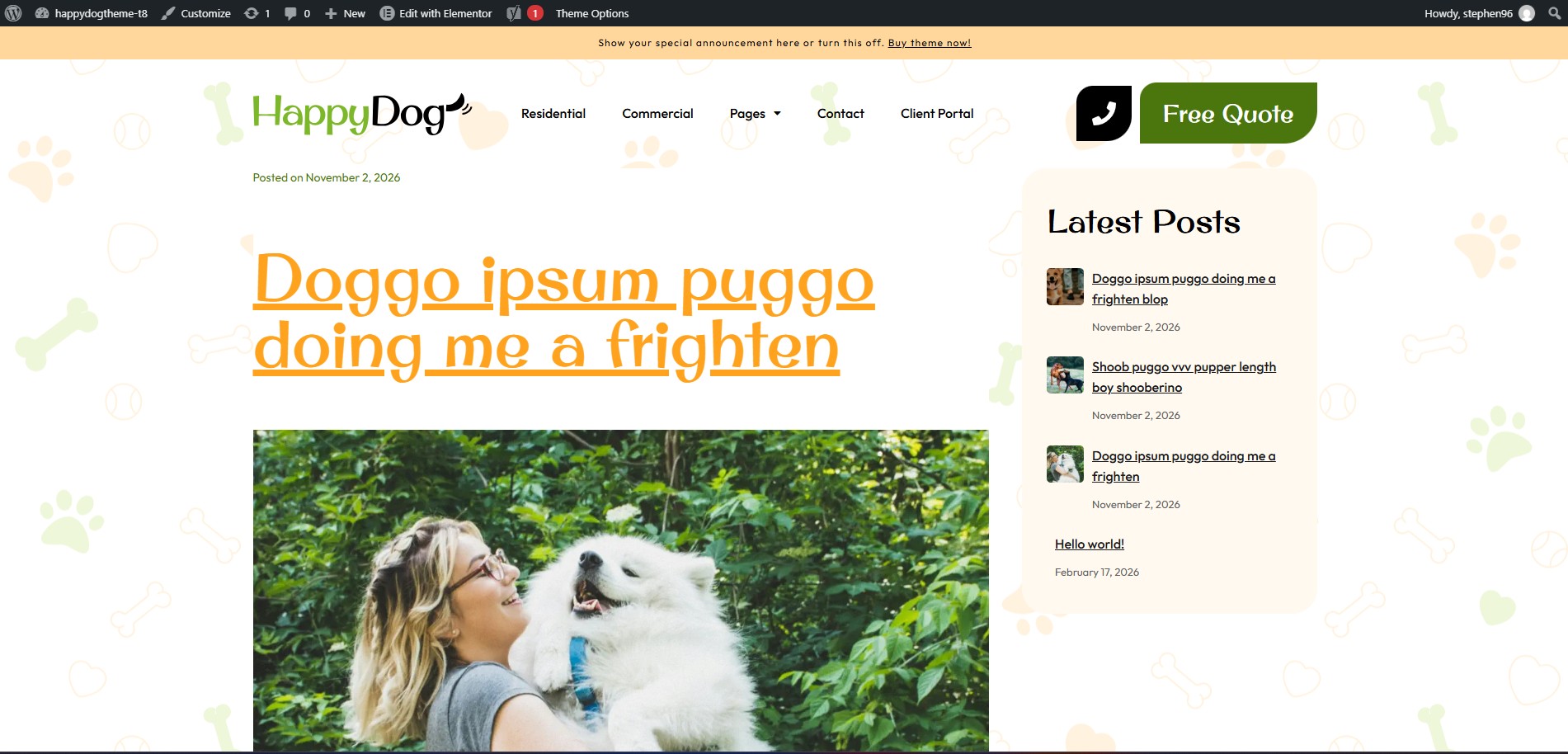
If your homepage doesn’t look right after importing a demo, don’t worry—it’s a common issue. This might happen if a page titled "Home" already existed before importing the demo.
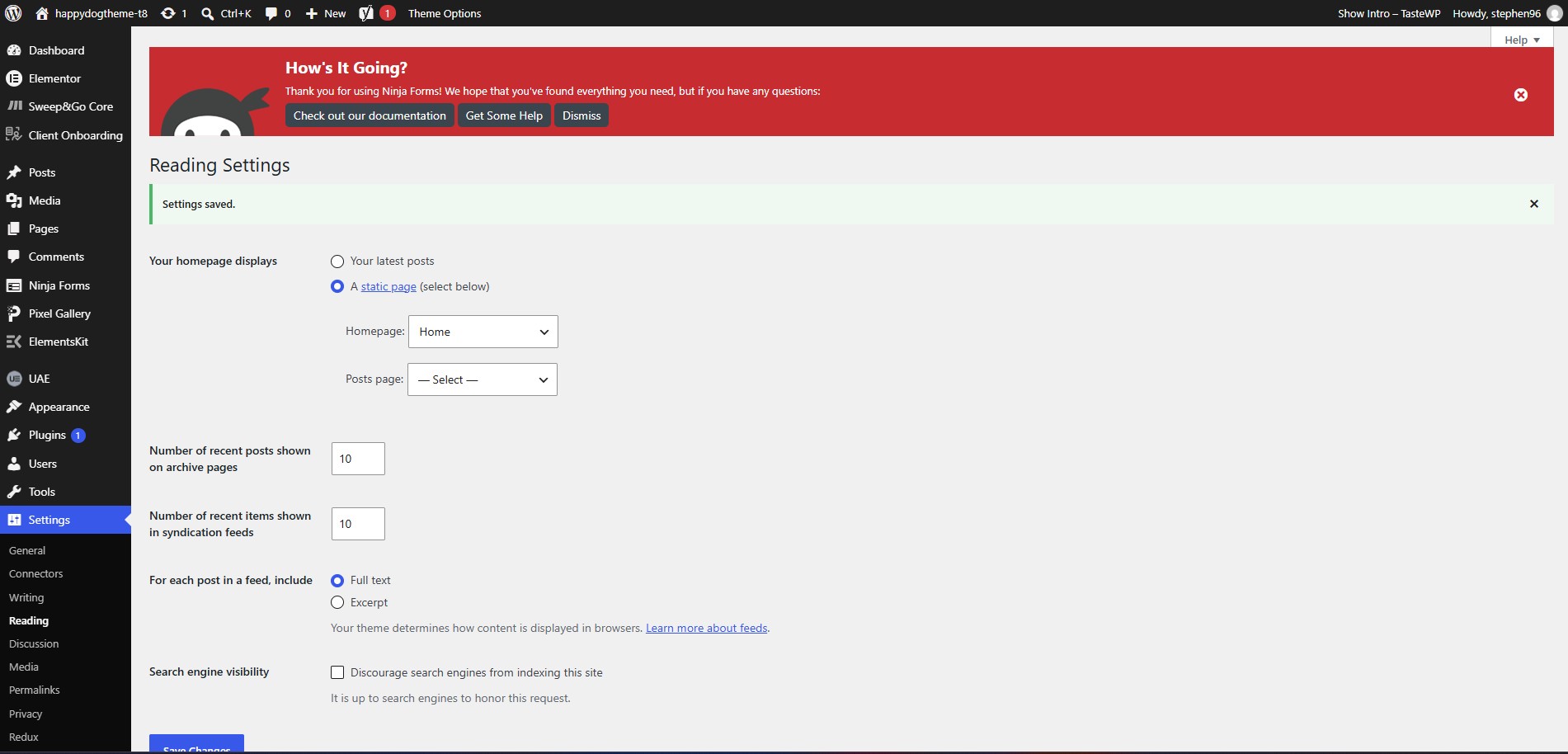
In order to fix that please go to Settings → Reading → Your homepage display and set "A static page" → "Homepage" to be "Home".
I’m encountering an issue with the demo import on my WordPress site. After initiating the import, I received a 500 Internal Server Error. What should I do?
The 500 Internal Server Error usually indicates a server configuration issue, which is common on shared hosting plans. It may be caused by low PHP settings or missing PHP modules.
To resolve this issue, please contact your hosting provider and ensure the following server configurations are applied:
- upload_max_filesize: 256M
- max_input_time: 300
- memory_limit: 256M
- max_execution_time: 300
- post_max_size: 512M
Once the server settings are updated, try the demo import again.
How to update theme?
General video for all our themes.